 Fordee
Herbistry LUT Loader
The free, universal LUT loader for Final Cut Pro. Load any look, in formats Final Cut can't even open.
About
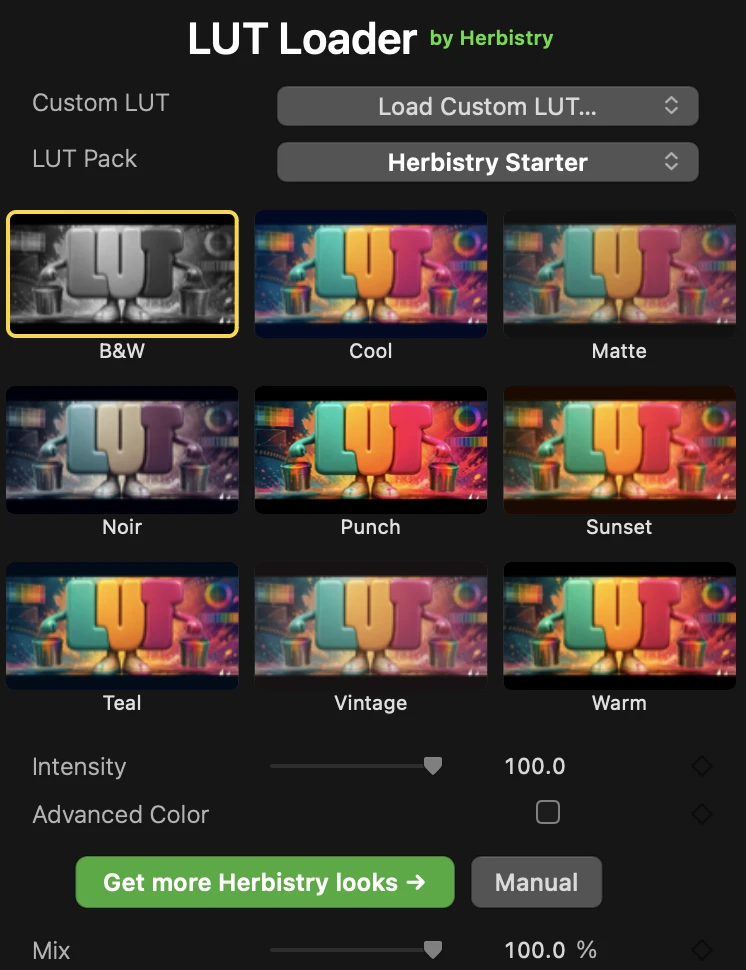
Herbistry LUT Loader opens LUT files Final Cut Pro won't touch on its own: .cube, .3dl, .csp, and .look, the formats most color packs actually ship in. Load one in and it doesn't just sit in a list, it builds a grid of every look applied to your own footage, so you can see exactly what a look does to your shot before you commit to it. Click a tile and it's on your clip. Drop in a single file with "Load Custom LUT," or point it at a whole folder with "Add a LUT Pack" and grab every look inside at once.
Dial the Intensity slider to back a look off instead of running it full-strength, and if you actually care about interpolation or color spaces, flip on Advanced Color and those controls are sitting right there, hidden by default so nobody has to look at them who doesn't want to. There's a companion Title too: drop it on a lane above two or more clips and it grades the whole stack at once, no clip-by-clip work. It ships with a free Herbistry Starter pack, nine looks, so it's doing something the second you install it. No license key, no watermark, no trial clock. And when you want more, paid Herbistry look packs are on the way for whenever the starter set isn't enough.
macOS 13.5 (Ventura) or later · Apple Silicon Mac (M1 or newer) · Final Cut Pro 10.8.1 or Motion 5.8 (or later)
Walkthrough
The controls
What it does
Every look previewed on your own footage, with the color-science stuff tucked out of sight until you actually want it.
Formats Final Cut can't open
.cube, .3dl, .csp (Cine Space), and .look (SpeedGrade). The formats most LUT and color packs actually ship in, none of which Final Cut can load on its own.
See it on your own footage
A grid of every look, previewed applied to your actual clip, not some stock reference shot. Click a tile and it's on your footage. No guessing how a LUT will read on your shot.
One LUT or a whole pack
"Load Custom LUT" imports a single file. "Add a LUT Pack" points at a folder and pulls in every look inside at once. Either way it lands in your grid.
Dial it in
An Intensity slider backs a look off instead of running it at full strength. Want more control? Flip on Advanced Color for Interpolation and Input/Output color-space settings, hidden by default so they don't get in your way.
One title, the whole timeline
Drop the companion Title on a lane above two or more clips and it grades the whole stack at once. No applying a look clip by clip down the timeline.
Free, and it does something day one
Ships with the free Herbistry Starter pack, nine looks, so you've got something to click the moment it's installed. No license key, no watermark, no trial clock.
Want more looks?
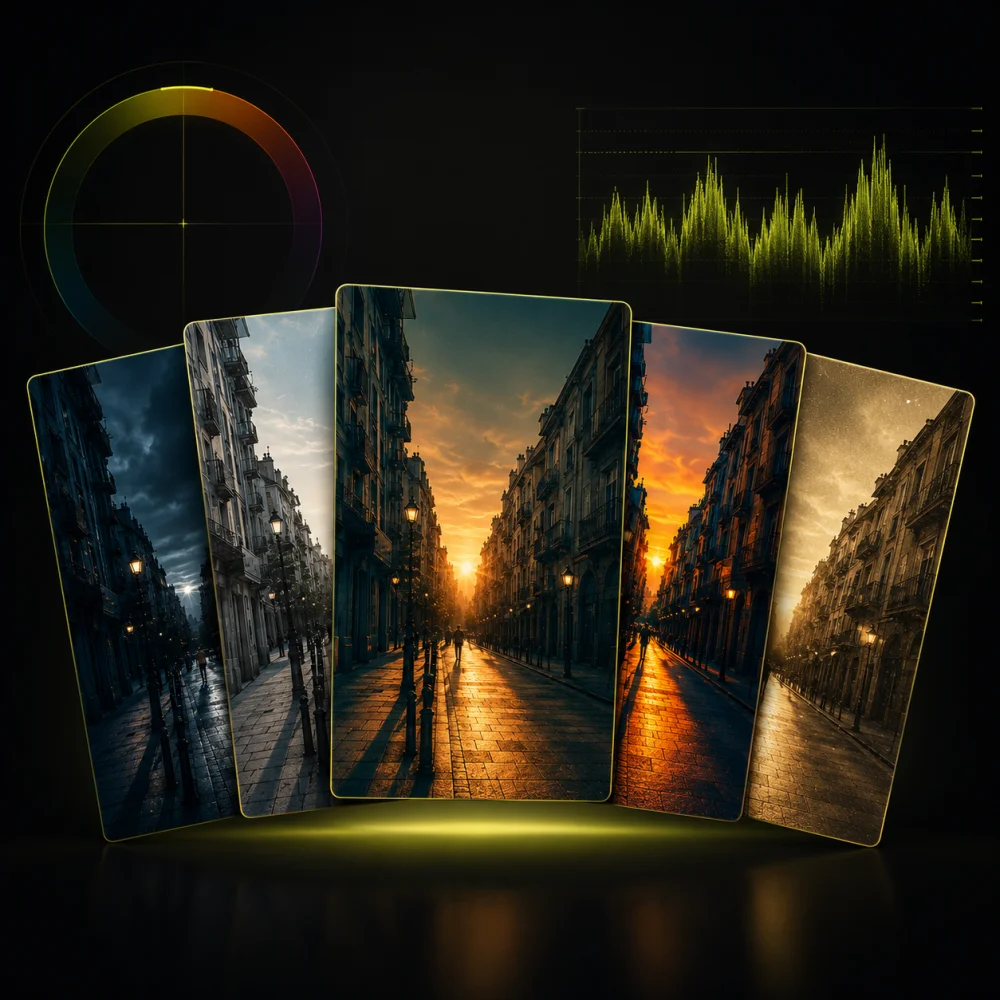
The loader's free and ships with nine looks. When those aren't enough, these packs drop into the same grid, one click per look on your own footage.





 Best value
Common questions
Is it really free?
Yes, all of it. No key, no watermark, no time limit, and nothing locked behind a paywall. Download it and keep it.
Where does it show up in Final Cut?
The filter is under Effects → Herbistry, drop it on any clip. The companion Title is under Titles → Herbistry, for grading a whole stack of clips at once.
What LUT formats does it support?
The ones Final Cut can't open on its own: .cube, .3dl, .csp (Cine Space), and .look (SpeedGrade). If your color pack came in one of those, it'll load.
How do I add a LUT pack?
Click "Add a LUT Pack" and point it at the folder your looks are sitting in. Every LUT inside shows up as a tile in the grid, previewed on your own footage. Got just one file? "Load Custom LUT" handles that instead.
Does it come with any looks?
Yes, the free Herbistry Starter pack: nine looks, already installed, so there's something to try the second you open it. Paid Herbistry look packs are on the way for whenever you want a bigger set.
Get Herbistry LUT Loader
Herbistry LUT Loader for Mac. Free to download, free to keep. Install it, drop a look on your footage, and you're grading in under a minute.