Arrows
Point at anything: arrows that draw themselves on, from clean pointers to graffiti swooshes.
About
Drop an arrow on screen and point at whatever matters: a button in a tutorial, a player in a sports breakdown, the thing you're reacting to. Twenty-eight shapes, from clean geometric pointers and chevrons to hand-drawn graffiti swooshes, loops, and lightning bolts. Every one is drawn live instead of being a flat image, so it stays razor sharp at any size, right up to 4K, and you can recolor, restyle, rotate, and flip it however you want. Eight looks to pour on top: solid, gradient, outline, neon glow, glass, brush, spray-paint grunge, or your own footage running inside the arrow. Then make it move. Arrows can draw themselves on tip to tail, pop in, wiggle, flicker like a neon sign, and fade back out on their own for tracked callouts. One arrow per copy, so stack as many as your shot needs. Runs in Final Cut Pro and Motion.
Final Cut Pro & Motion · Apple Silicon Mac
Walkthrough
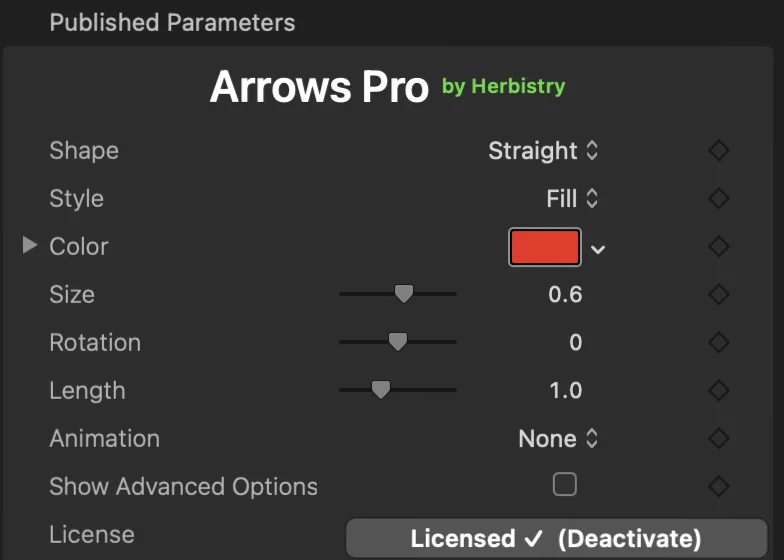
The controls
Get notified at launch
Drop your email and I'll tell you the moment Arrows is ready to buy.